


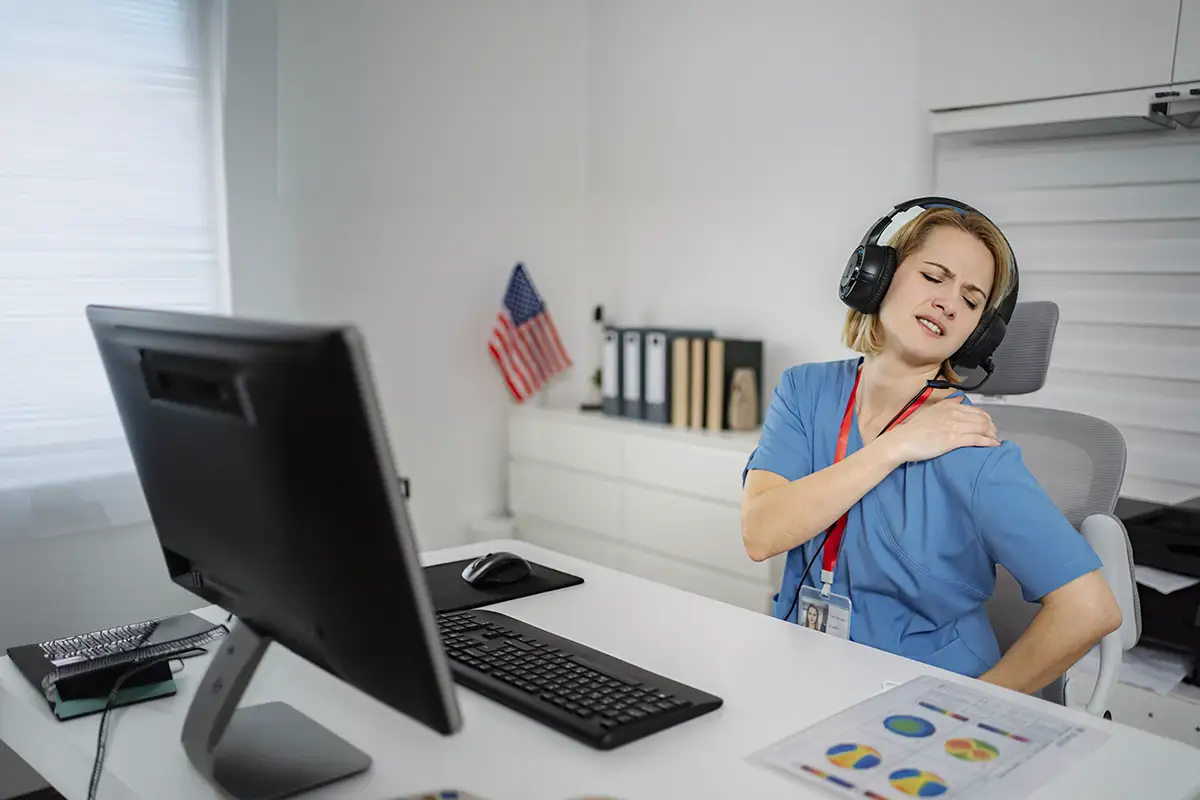
The physical demands that come with hours spent interpreting studies in front of multiple monitors have long plagued radiologists. But as imaging volumes rise, hybrid work expands, and burnout concerns intensify, workstation ergonomics has evolved from a secondary purchasing consideration into a central operational priority.
Today’s reading environments are no longer built around static desks and fixed monitor arrays. Instead, manufacturers are designing increasingly sophisticated workstation ecosystems that incorporate motorized monitor positioning, programmable sit-stand configurations, integrated lighting, acoustic management, and modular technology infrastructure intended to support increasingly complex workflows.
Even so, radiology departments are asking workstation vendors to solve a broader range of problems. That means environments that can support multiple users, home-reading applications, AI-assisted workflows, and prolonged diagnostic sessions without adding physical strain or cognitive fatigue.
“The workstation is no longer just furniture; it is a clinical tool,” says Dave Minamoto, ergonomic product manager at Double Black Imaging. “Today’s radiologists are routinely at their stations for six to eight hours or more, and the environment around them has a direct effect on how they work throughout the day.” That shift is driving a new generation of workstation design focused less on individual hardware specifications and more on creating adaptable, integrated reading environments.
Beyond Static Desks
One of the most significant changes in radiology workstation design is the move away from rigid, fixed-position desks toward dynamic, ergonomic systems that support continuous posture changes. Sit-stand functionality has become one of the most requested features across reading rooms and home-reading environments alike. Vendors say radiologists increasingly expect workstations to support seated, standing, and reclined positions throughout long shifts.
“We are seeing a clear shift from ‘just give me a standing desk’ toward ‘build me a cockpit that helps me think better and burn out less,’” says Jeff Vandenbosch, president of ErgoQuest.
ErgoQuest has adopted a cockpit-style approach to workstation design. Rather than treating the workstation as office furniture, the company designs systems intended to keep monitors, keyboards, and accessories aligned with the user as posture changes throughout the day.
“Our systems support dynamic sit–perch–stand positioning with synchronized chair, monitor, and keyboard movement, so the eye–hand–screen relationship stays aligned,” Vandenbosch says. “The goal is sustained cognitive performance and reduced fatigue during long reading sessions.”
The company has also incorporated motorized monitor tilt, motorized keyboard trays, adjustable lumbar support, articulating footrests, and recline systems into its latest workstations. Padded wraparound keyboard and mouse trays are also designed to support elbows, forearms, wrists, and hands in customized positions intended to reduce repetitive strain.
Mike Graham, director of key accounts health care at Xybix Systems, notes customers increasingly want ergonomic systems that can be adjusted quickly and intuitively. “If radiologists have to spend 15 minutes adjusting monitors and lighting every time they sit down, they are not going to do it,” he says. “They want something functional, comfortable, and fast.”
To simplify the adjustment process, Xybix incorporates programmable presets that allow users to store seated and standing configurations. With the push of a button, the workstation automatically moves to preferred monitor, desk, and lighting positions.
Today’s radiologists are also placing greater emphasis on dual-surface workstations that allow monitors and keyboards to move independently. “Some radiologists need monitors positioned lower than the keyboard surface because of how they read or because of progressive lenses,” Graham says. “If the workstation doesn’t support that geometry, they end up tilting their heads back all day long.”
RedRick Technologies is also focusing heavily on adaptive movement. Josh Patrick, director of sales at the company, says RedRick recently introduced its Glide floating work surface, which allows input devices to rotate naturally with the user. “Instead of forcing the user to adapt to the workstation, the workstation adapts to the user’s posture, viewing angle, and workflow,” he says.
The company designed the system specifically to minimize the compromises radiologists often make between comfortable keyboard positioning and proper monitor alignment.
Monitor Positioning
As radiology reading environments continue to expand to include multiple displays, monitor positioning has become one of the most critical aspects of workstation ergonomics. That’s why many of today’s reading rooms include diagnostic monitors, EMR systems, AI interfaces, communication platforms, and reporting applications operating simultaneously.
“Display geometry is becoming just as important as monitor resolution,” Vandenbosch says. “Radiologists are interacting with more displays, more inputs, and more data streams simultaneously than ever before.”
Rather than arranging displays in a flat wall configuration, ErgoQuest positions monitors in an arc intended to better align with the natural visual field. Primary diagnostic displays remain centered within the optimal viewing zone while secondary systems stay within peripheral reach.
“The idea is to keep radiologists visually immersed without forcing excessive head rotation or repetitive neck movement,” Vandenbosch says.
Double Black Imaging has taken a similar approach with its EZ-Track monitor positioning system, which mounts monitors on a shared horizontal rail that allows the full display array to move together. “When a radiologist transitions between sitting and standing, or when a different user takes over a shared station, the full geometry changes in seconds,” Minamoto says. “There is no hunting for individual arm releases, no tolerance for ‘good enough.’”
At the same time, each monitor retains individual articulation for tilt, swivel, and focal-depth positioning. “A neuroradiologist and an abdominal imager may share the same station while maintaining completely different monitor configurations,” Minamoto says.
RedRick also prioritizes the ability to reposition entire monitor arrays quickly. “Radiologists are often working with large, complex display configurations, and maintaining ergonomic alignment across the entire array is critical,” Patrick says. “The goal is to make those adjustments feel seamless.”
Focal distance has also become a growing concern, as radiologists spend longer hours immersed in high-resolution displays. “Some readers want to get very close to their monitors,” Graham says. “You have to design the workstation so the focal distance and monitor height work together without creating obstructions or awkward positioning.”
Lighting, Acoustics, and Environment
Workstation ergonomics now extend well beyond desks and monitor mounts, as radiology departments are increasingly asking for integrated environmental controls that reduce eye strain, distraction, and physical discomfort. Bias lighting has become one of the most commonly requested features.
“Most radiologists work in dark rooms with very bright monitors,” Graham says. “If they look away from the screen, their eyes are constantly trying to readjust.”
To address that issue, manufacturers are integrating low-level ambient and task lighting directly into workstation systems. For example, Double Black Imaging designed its EZ-Track-mounted backlight specifically to reduce the luminance contrast between bright monitors and dark reading rooms.
“The reading environment is necessarily dim to preserve perceived contrast on diagnostic displays, but that creates an extreme luminance mismatch between the monitor face and the surrounding field,” Minamoto says. “Bias lighting helps moderate constant pupil adaptation and decreases eye fatigue over the course of a shift.” Unlike fixed, wall-mounted lighting, the company’s backlight travels with the monitor rail to maintain consistent positioning as monitors move.
Acoustic management is also becoming increasingly important, particularly in multiuser reading environments. “Environmental ergonomics are becoming just as important as physical ergonomics,” Patrick says. “Acoustic treatment, partitioning systems, and carefully considered lighting solutions are frequently integrated to help reduce distraction and fatigue during long shifts.”
ErgoQuest is also seeing growing interest in tunable, low-glare lighting and integrated acoustic elements. “The objective is to create a clean, low-clutter environment where the technology fades into the background and the radiologist can remain focused on image interpretation,” Vandenbosch says.
Heating and cooling controls are another area receiving more attention. “I’ve been in reading rooms where one doctor is wearing a sweater and another is complaining about the heat,” Graham says. “Integrated heating and cooling features help address those comfort issues without people bringing in space heaters or extra fans.”
Hybrid and Home Reading
The continued expansion of teleradiology and hybrid workflows has significantly influenced workstation design priorities in recent years. As remote reading becomes a permanent component of radiology practice, facilities are investing in more sophisticated home workstation solutions.
“Home reading is no longer viewed as temporary or secondary,” Vandenbosch says. “Radiologists increasingly expect their home environment to provide the same ergonomic and workflow advantages as an institutional reading room.”
RedRick has also seen growing demand for highly adjustable home-reading systems. “Many home-reading stations involve multiple discrete PACS systems requiring users to move between large sets of displays throughout the day,” Patrick says. “We focus on providing hospital-grade ergonomics and monitor support while adapting the footprint and aesthetics to suit home offices.”
One of the biggest challenges involves maintaining ergonomic consistency between hospital and home environments. “The same core architecture scales from a large, group-practice reading room to a two- or three-monitor home study,” Minamoto says. “That consistency supports muscle memory, which matters operationally because radiologists do not have to mentally recalibrate every time they transition between locations.”
Double Black Imaging’s EZ-Track add-on system was also designed to retrofit existing home desks, rather than requiring a complete workstation replacement. “Not every radiologist wants to replace all of their furniture at home,” Minamoto says. “The idea is to bring the ergonomic core to a surface they already own.”
Graham notes the same ergonomic fundamentals apply whether radiologists are reading in a hospital or from home. “They still need sit-stand functionality, proper monitor positioning, bias lighting, and comfortable posture support,” he says. “Those basics do not change just because the workstation is in a house instead of a hospital.”
Modular Design and Flexibility
Radiology departments are also demanding greater flexibility from workstation systems as workflows evolve. Many facilities now require reading rooms to support multiple users, subspecialties, trainees, and hybrid schedules within the same physical environment.
“Hospitals increasingly want spaces that can adapt quickly between emergency radiology, subspecialty reading, teaching environments and hybrid work without redesigning the room each time,” Vandenbosch says.
To address those needs, workstation manufacturers are emphasizing modularity and reconfiguration. “The sky’s the limit,” Patrick says. “We pride ourselves on being a collaborative solution provider rather than offering one-size-fits-all products.”
RedRick customizes workstation layouts based on monitor arrangements, workflow needs, IT hardware, and room configurations. “We design each workstation around the way the end user actually works,” Patrick says.
Double Black Imaging similarly avoids standard workstation templates. “There is no standard radiologist,” Minamoto says. “A solo teleradiology practitioner, a residency program, and a shared subspecialty reading room all have very different needs.” The company’s modular systems allow facilities to configure monitor mounts, acoustic surrounds, charging infrastructure, seating, task lighting, and peripheral-device management independently.
Vandenbosch notes flexibility has become particularly important, as AI-assisted workflows continue to expand. “The workstation infrastructure has to support additional monitors, visualization systems, collaboration tools, and AI outputs without creating cable clutter or disrupting ergonomics,” he says.
Integrated power management, charging, and cable routing are also receiving more attention. “Radiologists are interacting with multiple keyboards, mice, microphones, and mobile devices simultaneously,” Minamoto says. “Large unobstructed work surfaces and clean cable management are now major purchasing priorities.”
For manufacturers, the future of radiology ergonomics appears increasingly tied to adaptability, automation, and integrated workflow support. Vandenbosch believes workstation design will continue shifting toward what he describes as “cognitive-performance ergonomics,” with environments designed not only to reduce injury but also to support focus, endurance, and sustained performance.
Patrick notes vendors will continue focusing on systems that make ergonomic adjustments increasingly intuitive. “The workstation should adapt naturally to the user rather than forcing the user to constantly adapt to the workstation,” he says.
Graham expects immersive visualization technologies and evolving display systems to further influence workstation design over the next several years. At the same time, vendors agree that the fundamentals will remain consistent.
“Radiologists want something comfortable, functional, and easy to use,” Graham says. “If the workstation supports the way they naturally work, everything else becomes easier.”
— Keith Loria is a freelance writer based in Oakton, Virginia. He is a frequent contributor to Radiology Today.